01
The school-event reality
A school event touches hundreds of families across a dozen channels: the newsletter, the class app, the backpack flyer, the marquee out front. The office is guessing at chairs and programs until the doors open. A shared link turns the guess into a number.
02
One link, no family logins
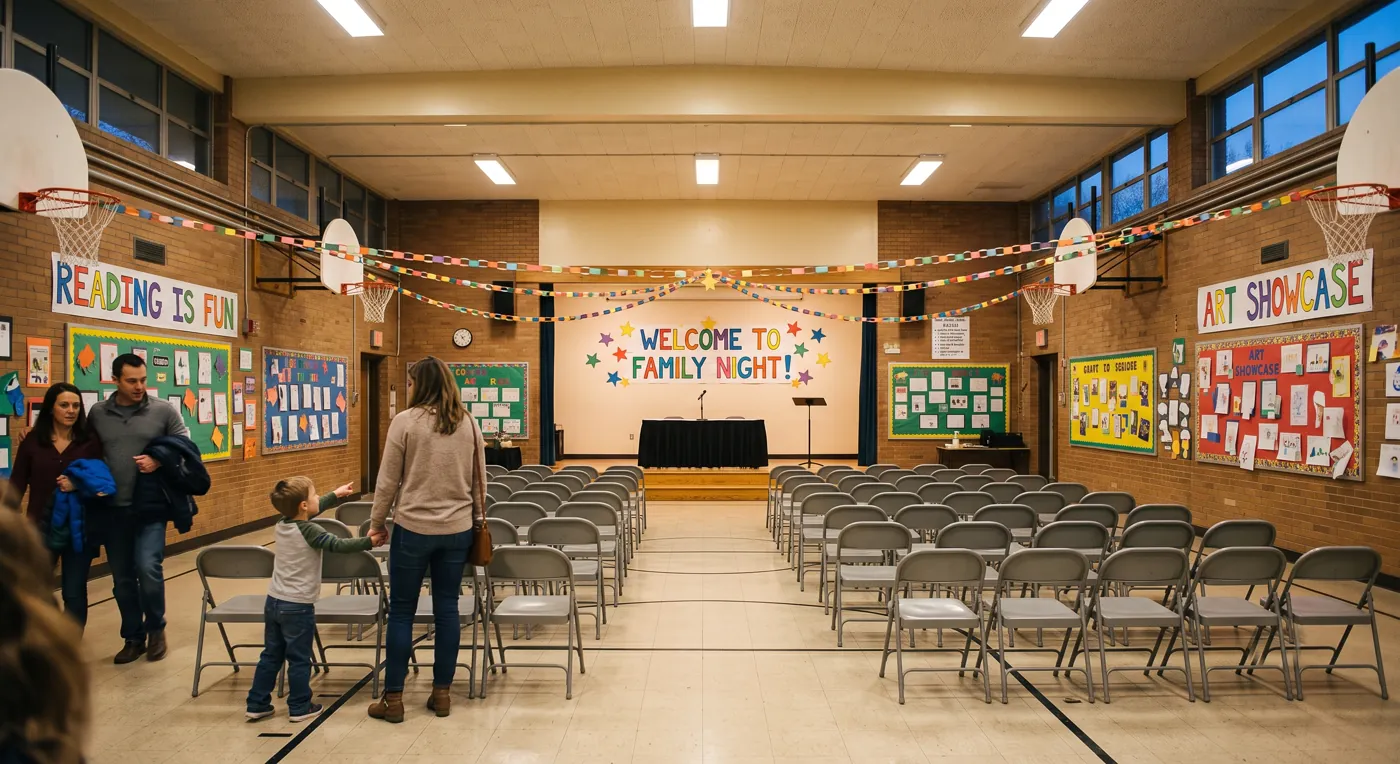
Doors gives the event one short URL (doors.events/e/aquarium-trip) that lives in the newsletter, the class app, and the flyer QR. Families tap, type a name and an email, say how many are coming. No accounts, nothing to install, works on any phone. The page they land on is themed for a school event, a photographed header picked from your event type, or your own photo if you have one you would rather use. Not a blank form.
03
Ask what the office needs
Chaperone volunteers, grade level, transportation, dietary needs: collect it once and export it clean for the teacher or the front office.
headcount
t-shirt sizes
chaperone?
transportation
dietary needs
t-shirt sizes
04
Reminders so the headcount is real
Doors sends automatic reminders as the event approaches (about three days before, and again shortly before it starts) to everyone who said yes. A guest who is reminded twice either turns up or tells you they cannot, which is what makes the number worth planning around. For the mechanics, see our guide on how to track RSVPs online.